Why I built MedSync — and why it's a website, not an app
It was an ordinary evening when I was on video call with my mom. She stopped mid-routine, holding her evening dose in her hand, and asked me a question I couldn't answer:
"Did I already take this today, or not?"
I didn't know. I live in a different country from my parents. I didn't know what they were currently taking, when they were supposed to take it, whether they'd actually taken it on schedule, or how much of it was even left in the box. My mom and dad both take medicine daily, and I — their adult son, the one who's supposed to help — had no visibility into any of it at all.
A question with no easy answer
That one question kept unfolding into worse ones the longer I sat with it. Taking a dose twice by mistake because neither of them could remember if it had already happened. Missing a dose entirely and nobody noticing until the next one was due. Running out of something important because nobody was tracking stock until the box was already empty. And on my end: if something went wrong, I wouldn't even know their current medication list well enough to tell a doctor over the phone.
None of that is a rare problem. It's just usually invisible until the day it isn't — and I suspect it's the same story for most adult children managing aging parents from a distance. We care, deeply, and we're still disconnected from the actual day-to-day of their health in a way that only shows up when something's already gone wrong.
One dashboard for both of them
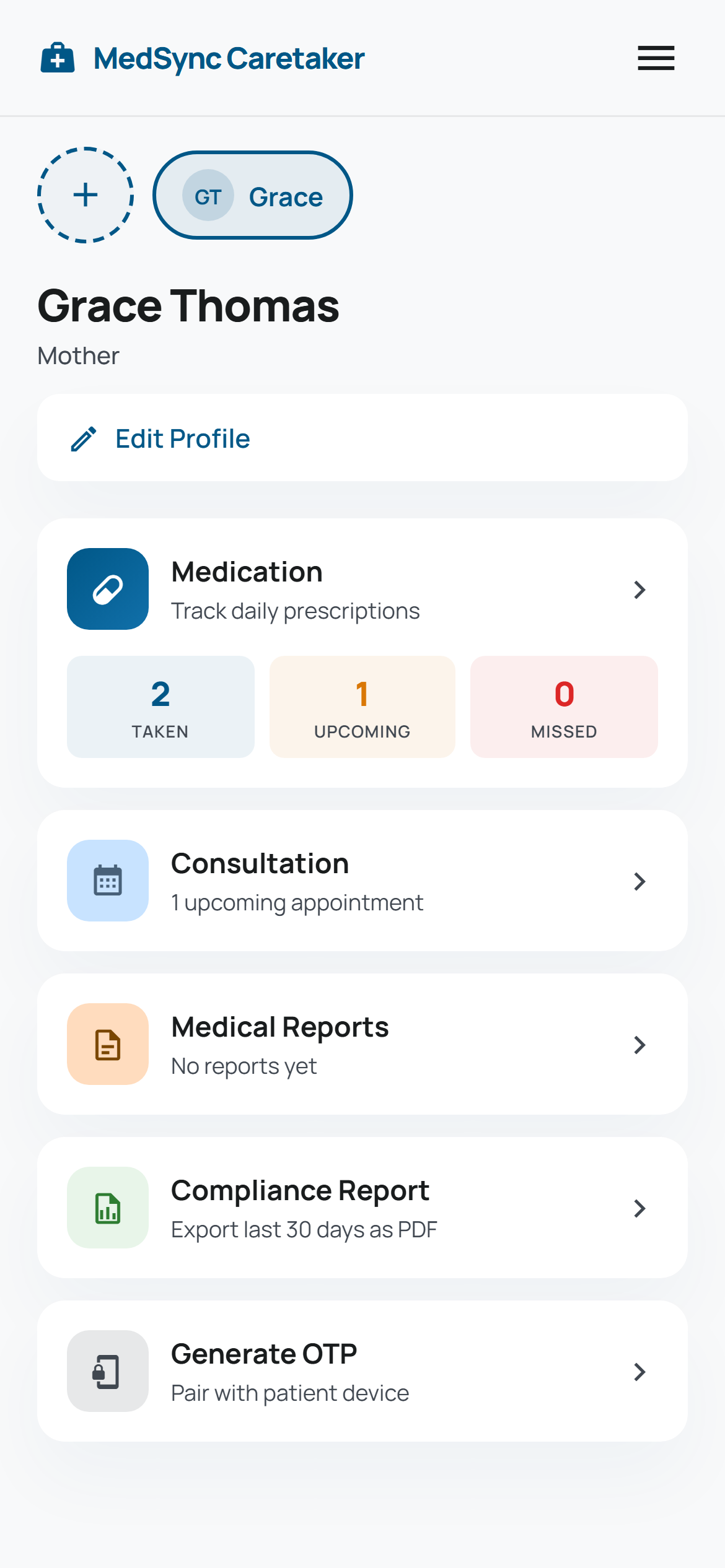
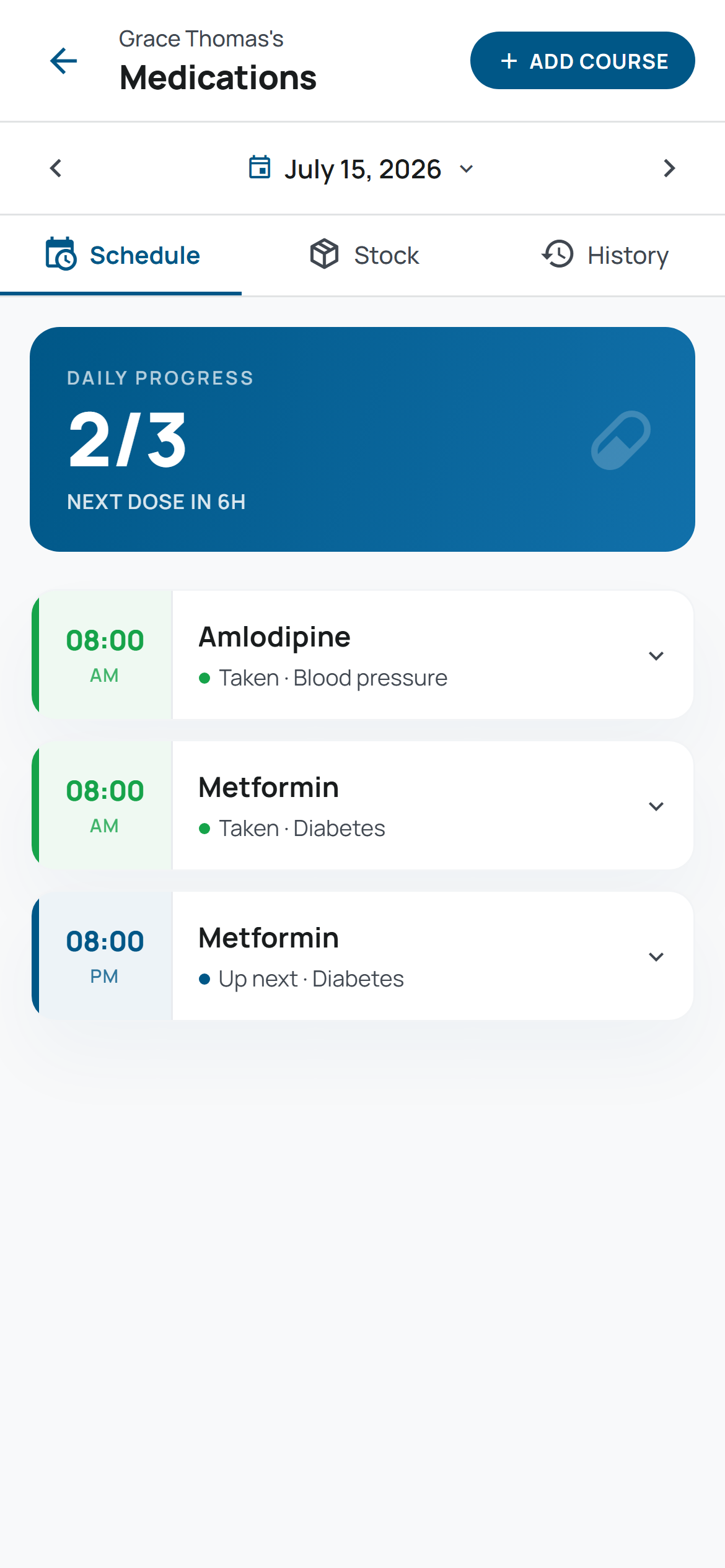
So I built MedSync to be the bridge — one app, caretaker on one side, patient on the other. I log what my parents need to take and when. Their phones get a reminder 30 minutes before each dose, and they mark it taken with one tap. If a dose goes unconfirmed for too long, I get notified automatically, without either of them having to do anything except forget.
Both of them live under one account on my side, each with their own profile, their own medicines, their own schedule — I switch between them the way I'd switch between two tabs, not two separate logins. That part mattered more than I expected once I was actually using it daily: my dad's medication and my mom's medicine routine have nothing to do with each other, and the app never makes me pretend otherwise.
Appointments, records, and proof it's actually working
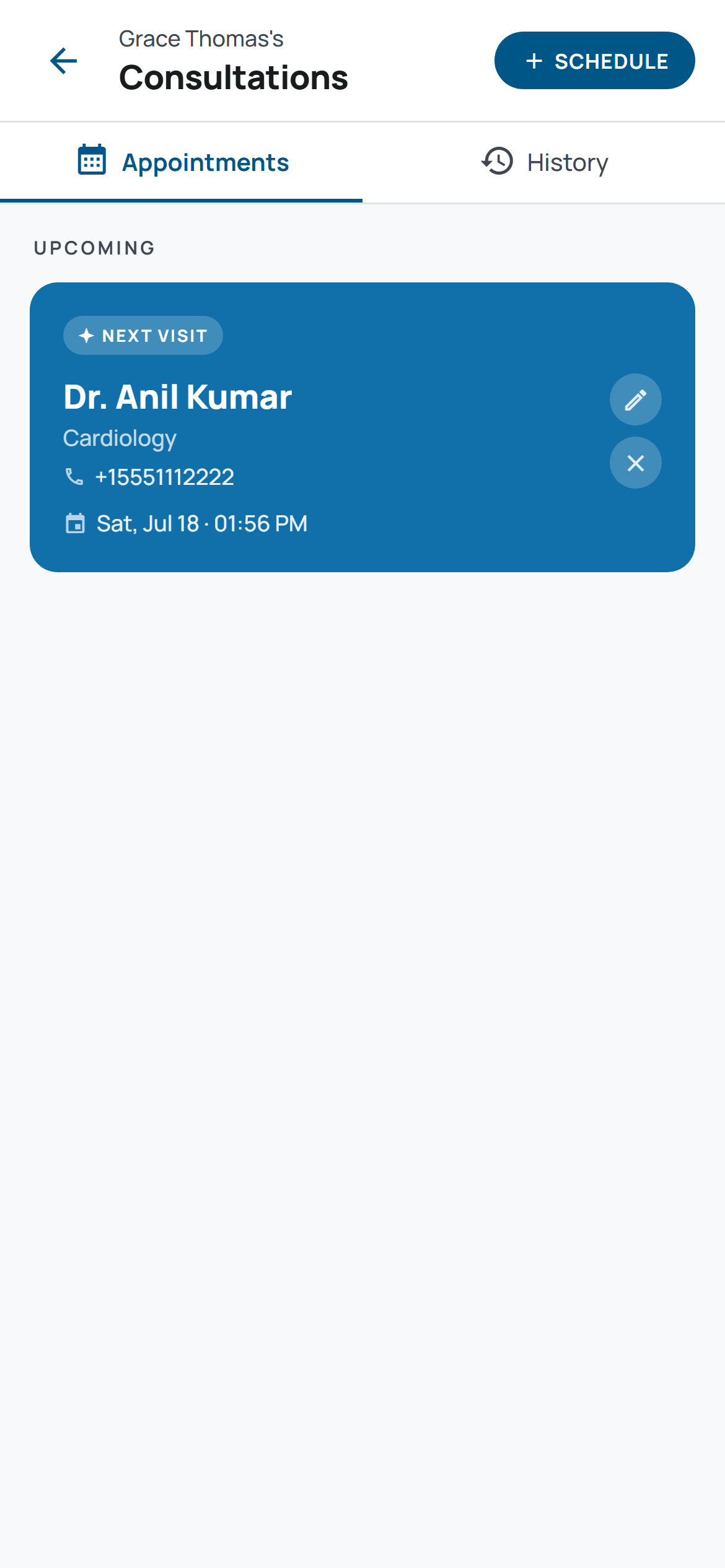
I keep their doctor appointments in the app too — one shared place instead of a WhatsApp message I'd inevitably lose track of, visible to me and to whichever parent the appointment is for. Medical reports get uploaded and stored the same way, so a test result from three months ago is somewhere I can actually find it instead of a photo buried in a camera roll.
The feature I didn't know I'd lean on the most is the compliance report — a PDF, built for any date range I pick, not locked to a single month, that turns "are they actually taking their medicine" from a feeling into a number. My mom's doctor asked once whether she'd been consistent with a new prescription, and for the first time I had an actual answer instead of a guess.
Stock that doesn't run out quietly
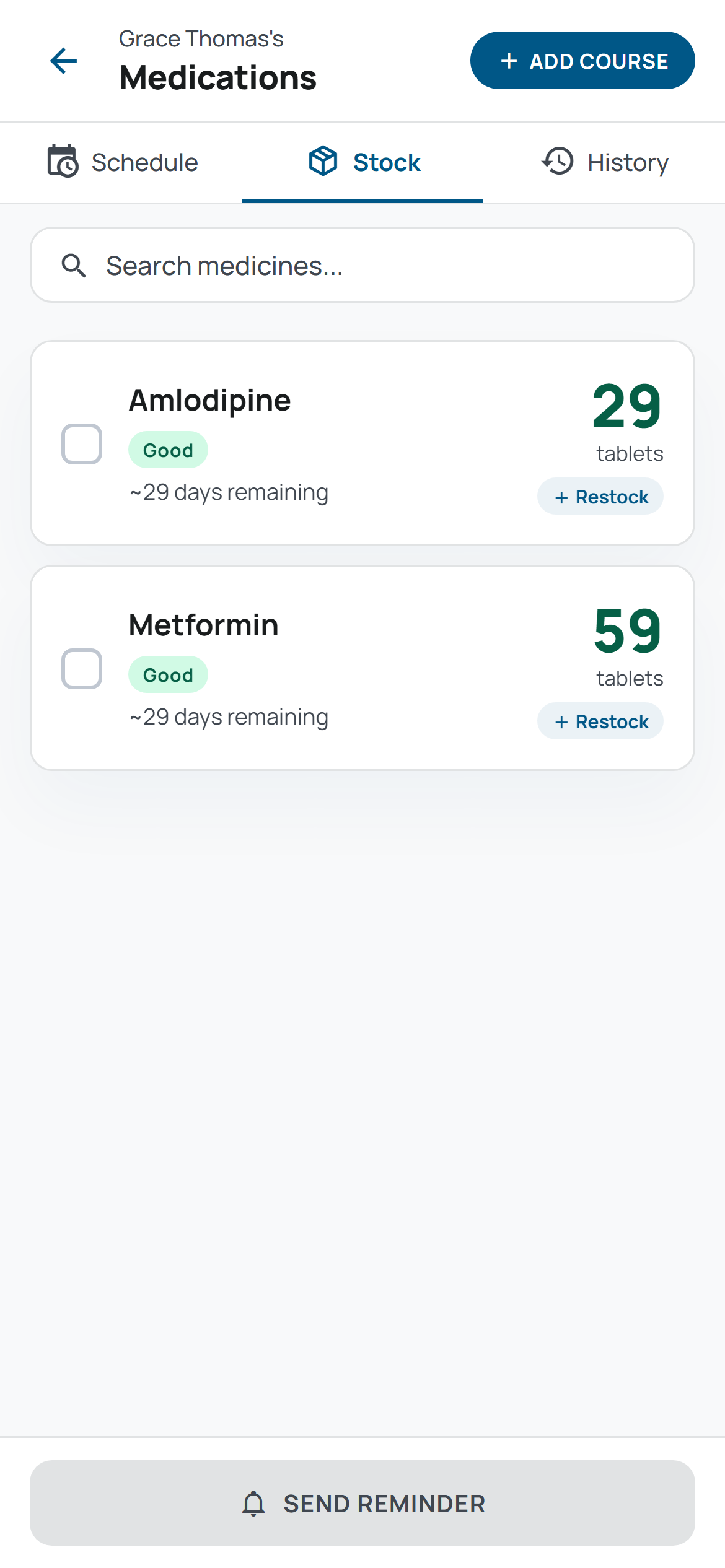
The other problem — running out of something without noticing — turned out to have the same fix as everything else: stop relying on someone to remember, and let the app track it instead. As doses get marked taken, the stock count comes down on its own. When it gets low, I get a banner on the dashboard, and one tap sends a pre-written WhatsApp message asking to refill. No more discovering an empty box on the morning it was needed.
The wall I didn't see coming
I built all of this as a native Android and iOS app, developer accounts paid for, ready to publish. Then, the same week I was ready to launch, Google Play changed its policy: any app that handles medical information or health management now needs a business license to be published. Not a checkbox. An actual regulatory hurdle I wasn't set up for.
The app was finished. The problem it solved was real. I just couldn't ship it the way I'd built it.
So I paused MedSync and put that energy into two other apps instead — MyFinCup, a budgeting app for my wife and me, and MyPlayTab, a scoring app for my padel and badminton groups. Both went live without any of this friction. MedSync sat unfinished for a while, which was its own kind of frustrating, because the actual problem — my parents, their medicine, my not knowing — hadn't gone anywhere just because the app store had.
The PWA pivot
A few months later, building those other two apps taught me something that solved the exact problem I'd shelved: a Progressive Web App can do almost everything a native app can. It installs to a phone's home screen. It sends notifications. It works offline through a real service worker caching the app itself, not just the illusion of one. And critically, it doesn't go through an app store at all — because it isn't one.
I exported MedSync as a static PWA instead of a native build, wired up the same install-to-home-screen manifest and offline caching I'd already gotten right for the other two apps, and put it live at mymedsync.org. No business license. No app review queue. The exact same app my parents needed, reachable from a link instead of a store listing.
The takeaway
If you're building something because a real problem is sitting in front of you, a roadblock you didn't plan for isn't proof the idea was wrong — it's proof you found out about a constraint before your users had to live with it. Mine happened to be regulatory. The fix happened to be a different way of shipping the exact same app, not a different app.
My parents still don't think about any of this. To them, MedSync is just the thing that buzzes 30 minutes before a pill, and the place I check when I want to know they're okay from a few time zones away. That's the whole point. Everything else — the pairing code instead of a password, the database deciding who's allowed to see what, the rules that keep thirty-something screens looking like one app — is the part they'll never have to think about, and the part this series is actually about.
Next up: the person this whole app is for doesn't have a password, an email, or an account in any sense a login screen would recognize — and why that was the right call, not a workaround.
More in this series
The patient who never signs in: how MedSync shares a live schedule with someone who has no account
The person taking the medication was never going to manage a password. Here's what replaced the login screen instead.
The back button rule: what actually keeps a 30-screen app looking like one app
Color tokens are the easy 20%. Here's what actually kept thirty-plus screens looking like one app.
The medication that showed up a day late — but only for patients in the wrong timezone
It passed every test I ran myself, and was wrong for anyone testing it at the wrong hour, in the wrong timezone.
What building two other apps first taught me before I started MedSync
Two finished apps bought me proven patterns. They didn't buy me a pass on double-checking the one number that actually mattered.