The medication that showed up a day late — but only for patients in the wrong timezone
A medication course I'd scheduled to start "today" saved itself as starting yesterday. I only found it by accident, testing something unrelated at seven in the morning instead of my usual mid-afternoon session. Every previous test of that exact same screen, on the exact same code, had passed.
That contradiction is the whole bug. Nothing about the form was broken. The date I happened to be standing in when I tested it was.
The setup
A lot of MedSync runs on date-only values — a medication's start_date and end_date, a medication_logs row's scheduled_date for a specific dose. These aren't timestamps; they're plain calendar days, stored the way a pharmacy label would write them: just a date, no time attached, no timezone attached. JavaScript's Date object doesn't have a "just a date" mode, though — it's always a specific instant, and turning one into a clean YYYY-MM-DD string requires picking a function that decides which calendar day that instant counts as.
The obvious-looking choice is date.toISOString().split('T')[0]. It's one line, it's the first result for "format date JavaScript," and it worked in every test I personally ran.
Why it worked for me and broke for them
toISOString() doesn't return your calendar day. It returns UTC's calendar day, which is only the same day as yours if your timezone happens to be at or behind UTC. For anyone ahead of it — and a meaningful share of MedSync's actual users are, since it's a caretaker-patient app with no assumption either person is in any particular country — there's a stretch of every single morning where the two disagree. At 7 AM in a UTC+8 timezone, UTC is still sitting at 11 PM the night before. Ask toISOString() what day it is at that exact moment and it will confidently tell you yesterday.
I test mid-afternoon, most days, in a timezone where that gap doesn't line up with when I'm actually looking at the screen. That's not a coincidence that saved me — it's the precise reason the bug stayed invisible. The failure window is a specific slice of clock time, in specific timezones, and if your own testing habits never happen to land inside that slice, every test you run genuinely passes. Not "probably passes." Actually, correctly passes, every time, on the exact code that's wrong for someone else the moment they open it at the wrong hour.
For someone actually using MedSync — a caretaker setting up a new course before their own workday starts, or a patient's schedule simply being read back on their phone first thing in the morning — that's not a rare edge case. Morning is one of the most ordinary times to be looking at a medication app at all. The bug wasn't hiding in an unusual situation. It was hiding in exactly the hours the app is used most, in exactly the timezones I don't personally test from.
The fix, and making sure it actually was one
The fix itself doesn't look dramatic: swap toISOString().split('T')[0] for a small helper that reads getFullYear(), getMonth(), and getDate() directly off the Date object — the versions that answer "what day is it where this device actually is," not "what day is it in UTC." The harder part was making sure every place that produced a date-only string for the database used the same helper, not just the one screen where I'd noticed the symptom. start_date, end_date, and scheduled_date are each written from more than one screen — a medication being created, a course being edited, a dose log being generated for today — and a fix that only lands in the first place I looked would have left the exact same bug sitting in the other three, waiting for the same seven-A.M. coincidence to happen to somebody else.
Confirming the fix meant not trusting my own clock at all. I couldn't "test it and see," because testing it during my own afternoon was the precise condition that hid the bug the first time. The only real check was working through the UTC math by hand for a few offsets on either side of zero, and separately, forcing the device's timezone to something hours ahead of mine to actually watch a save happen during its local morning.
The takeaway
The uncomfortable lesson isn't "remember to use local date functions" — that's a fact I now know, but facts like that get relearned the hard way on the next project too if that's all that's written down. The sharper version: any bug whose entire failure condition is a clock value has a real chance of being invisible to the one person testing it, for the boring reason that their own testing habits are also clock values, and the two might simply never overlap. I don't trust "it worked when I tried it" for anything date-related anymore. I check the math, or I change the clock.
Next: the last post in this series — what building two other apps first actually bought me going into MedSync, and the one formula that has to produce the exact same number on a caretaker's screen and a patient's screen, or the whole idea of "one shared truth" quietly stops being true.
More in this series

Why I built MedSync — and why it's a website, not an app
My mom asked if she'd already taken her medicine that day. I didn't know — and Google Play almost stopped me from fixing that.
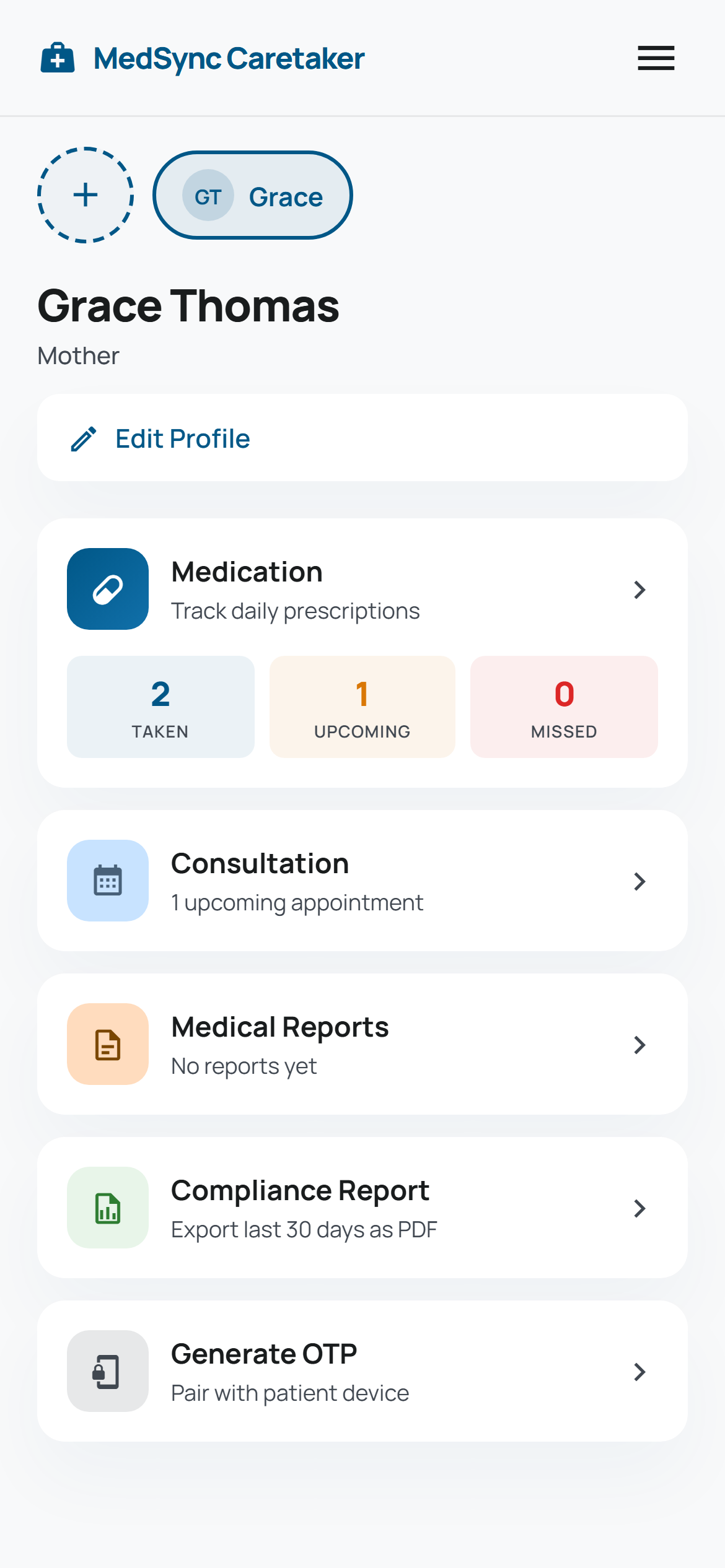
The patient who never signs in: how MedSync shares a live schedule with someone who has no account
The person taking the medication was never going to manage a password. Here's what replaced the login screen instead.
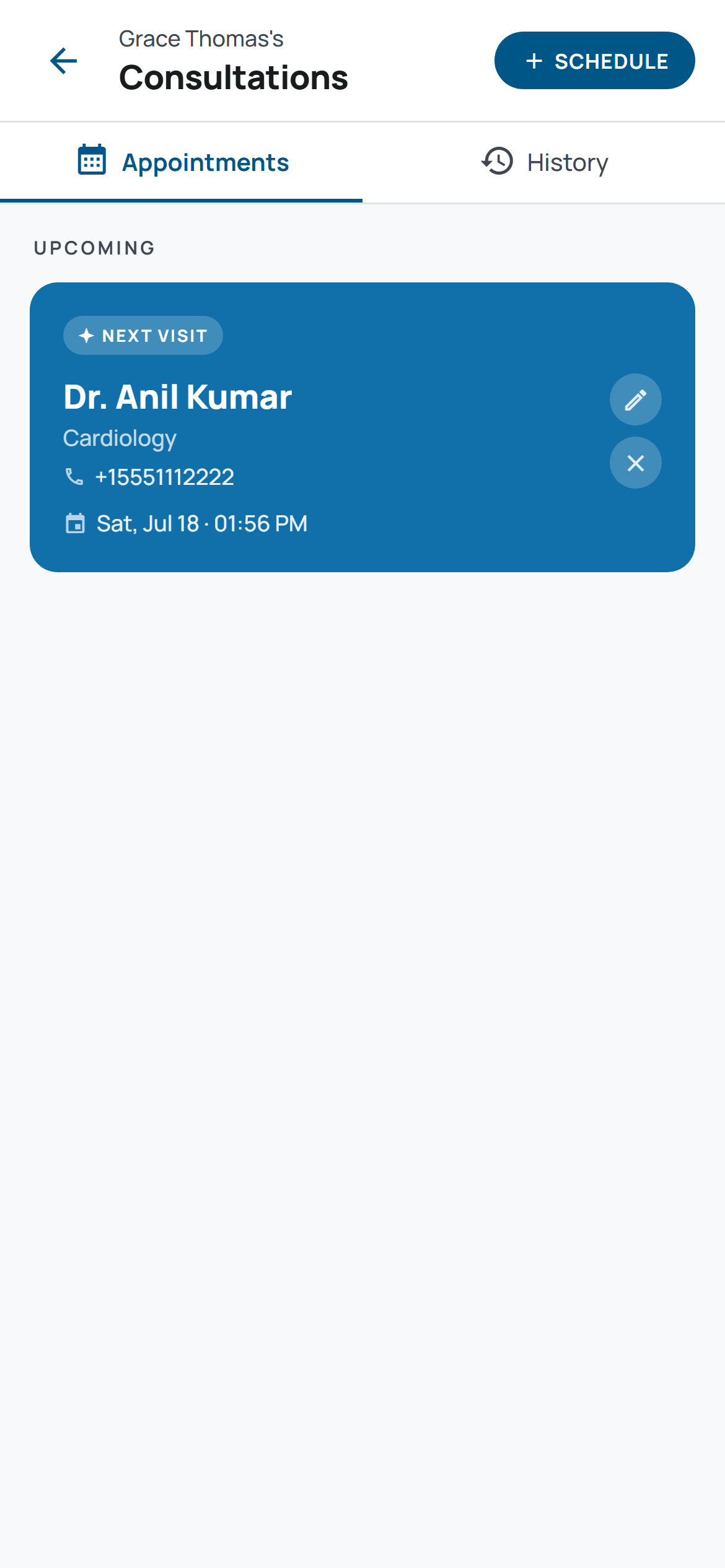
The back button rule: what actually keeps a 30-screen app looking like one app
Color tokens are the easy 20%. Here's what actually kept thirty-plus screens looking like one app.
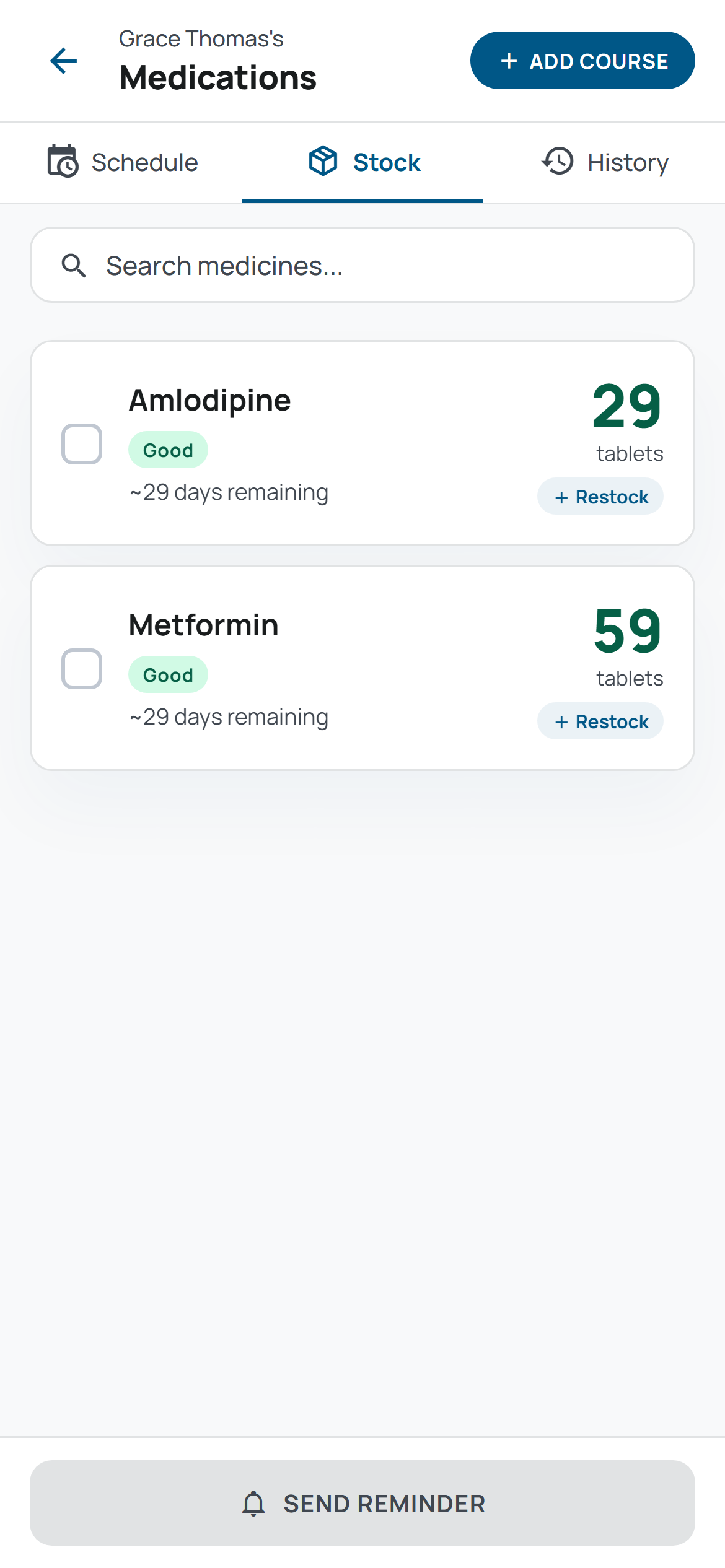
What building two other apps first taught me before I started MedSync
Two finished apps bought me proven patterns. They didn't buy me a pass on double-checking the one number that actually mattered.