It started small. I was walking from the parking lot to the court with my padel group. We'd just signed up for a casual evening session. We used to use an app that worked fine, but only if you had exactly five people. We were sometimes four.
So I built a quick artifact in Claude Code. Nothing fancy. Just a way to score a match, track sets, see who won. We played the session. Scores were recorded.
Then I clicked back by accident and lost everything.
That's when I realized: a throwaway artifact isn't good enough. If we're going to do this regularly, the scores need to live somewhere. So I built a real website.
The scale problem I didn't think I had
The first version was simple: four people, mixed doubles, one court. Then I added five people, then six. I thought I was done.
Then I remembered years ago, I played badminton in a group of ten. We'd show up at two courts and everything went through one person's phone. He was the scorer, the bottleneck, the one everyone had to ask for updates. If he stepped away, if he was playing, if his phone died — the whole group stats took a hit.
That's when it clicked: MyPlayTab needed to handle that same scenario — ten people, two courts, everyone scoring from their own phone, no one waiting on a single person to unlock their screen.
Friendly vs. tournament: two different rules
Once I had two courts running at once, a new question appeared: who's allowed to enter a score?
For a friendly match with your regular padel group, the answer is everyone. You're four friends on a court. There's no ref, there's no hierarchy. Anyone can confirm a score, and everyone else's phone should see it instantly.
But then I thought about tournaments — the way we used to play badminton, bracket-style, with knockouts. In a tournament, you can't let anyone score. The results matter. So you need organizers.
That became the design rule:
Friendly matches = anyone in the group can score.
Tournaments = only organizers can score.
And since organizers might not be the person who created the tournament — in a big tournament, there could be five organizers running simultaneously — the person setting up the tournament can hand over that permission to anyone else in the group.
Stats were the hidden problem
Here's what used to happen in my badminton group: someone would open the app, take a screenshot of the results, and post it to WhatsApp. "Here are the winners. Here are the stats."
That's not stats. That's a screenshot. And it's lossy — you can't ask "how many games have I played against Adarsh?" or "what's my head-to-head record against Sharath?"
When I started building MyPlayTab, I realized the scoring system was only half the problem. The other half was: after the match, people want to know more than just who won. They want to see their performance against specific opponents. They want a record that persists.
So I built that in.
One app instead of two
After each padel session, someone pays for the court, someone pays for the snacks, someone pays for parking. So we'd open Splitwise, log the expenses, settle up later.
Which meant two apps. Two apps after every session.
Splitwise also had ads. And friction.
I thought: why not build that in? Why make people switch contexts?
So I embedded Splitwise-style expense splitting into MyPlayTab. One app, start to finish.
The invite problem I didn't expect
Here's a common scenario: I create a group with my padel friends. The group has Adarsh, Sharath, Khalid, me, and three others. But they're not on MyPlayTab yet — they're just names I entered.
I want to send them the link and have them join. But how do they tell MyPlayTab which person in the group is them, without me manually assigning everyone?
I built a "that's me" button. When Khalid opens the group invite, he sees all the members. He finds his name and clicks "that's me." His profile automatically links to that person slot in the group.
And here's the part that scaled: if Khalid is in three of my groups, he only has to click "that's me" once. Whether he clicks it from a sports group invite or a Splitwise-style expense group doesn't matter — the system links him across both, and across all three groups automatically.
Why this matters
What started as a parking lot artifact became a design question: how do you build a scoring system for groups that want to play casually on their own terms, but also supports tournaments where someone needs control?
The answer isn't one feature. It's a stack of decisions: anyone can score in a friendly match, but tournaments have permission gates. Scores sync across multiple courts in real time so no one's refreshing. Stats live inside the app, not in WhatsApp screenshots. Expenses stay inside the same flow, not a separate app. Invites work the moment you open a link, no manual setup required.
Each of these came from a specific friction point. Not theoretical, not "nice to have" — actual problems I had, playing padel every week.
That's what MyPlayTab is: one group, multiple courts, everyone's phone, no bottleneck.
Next up: two courts, two phones, one live score — and the design decision behind who's actually allowed to enter it.
More in this series
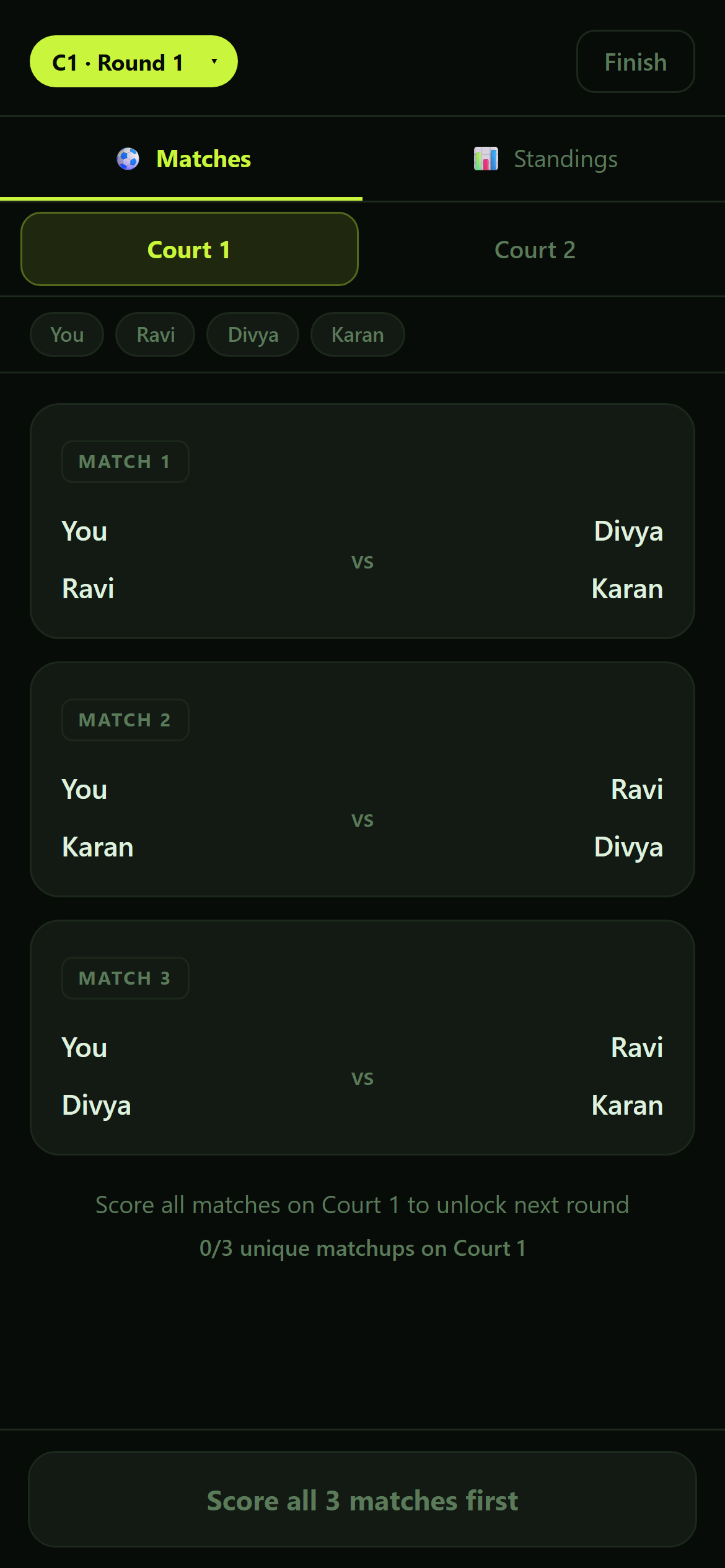
Who gets to score the match? Keeping every court in sync on PlayTab
Multiple courts, multiple phones, one score that's always right — and the bug that taught me an "obviously unique" sort wasn't.
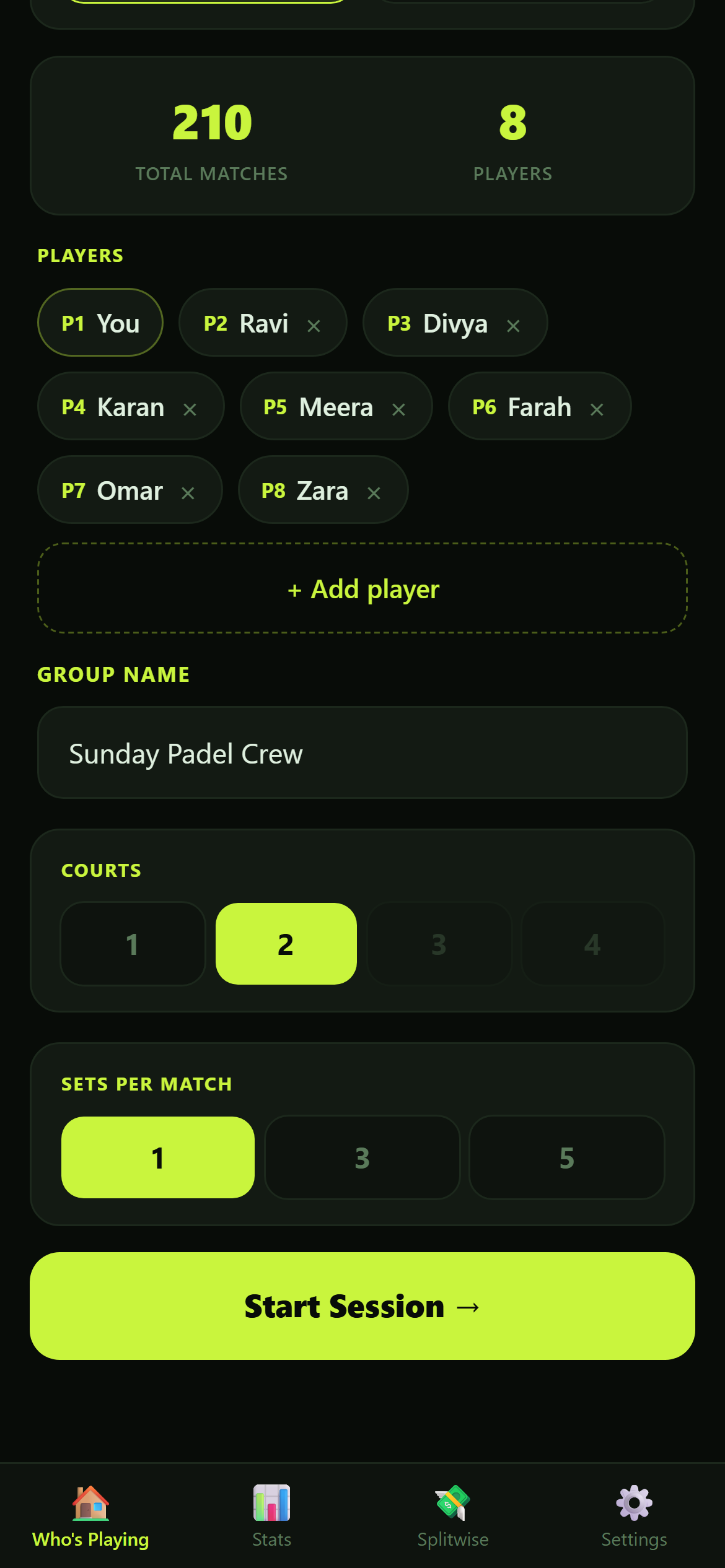
One rule, forty AI sessions: how PlayTab stayed one app instead of several
A header color got reverted because a technically-correct fix looked worse. That's the point, not a mistake.
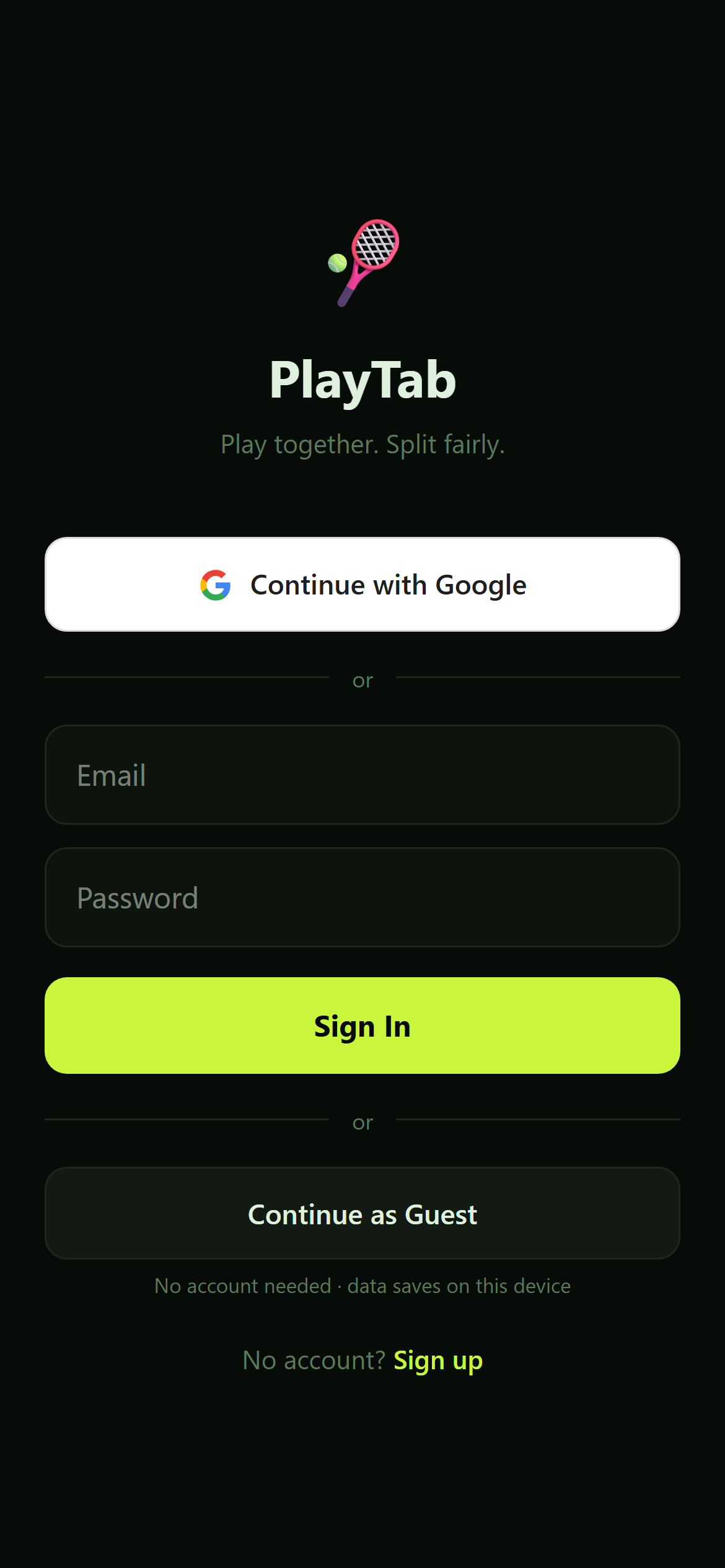
The login bug that only hit people who'd already logged in before
A real account got bounced back to onboarding as if it had never been set up. It only ever happened mid-login, never after.

Building the bill-splitter I actually needed for a padel group
Two apps in one, so nobody opens Splitwise after a session. What got built in on purpose — and the one bug three sibling tables had already fixed.